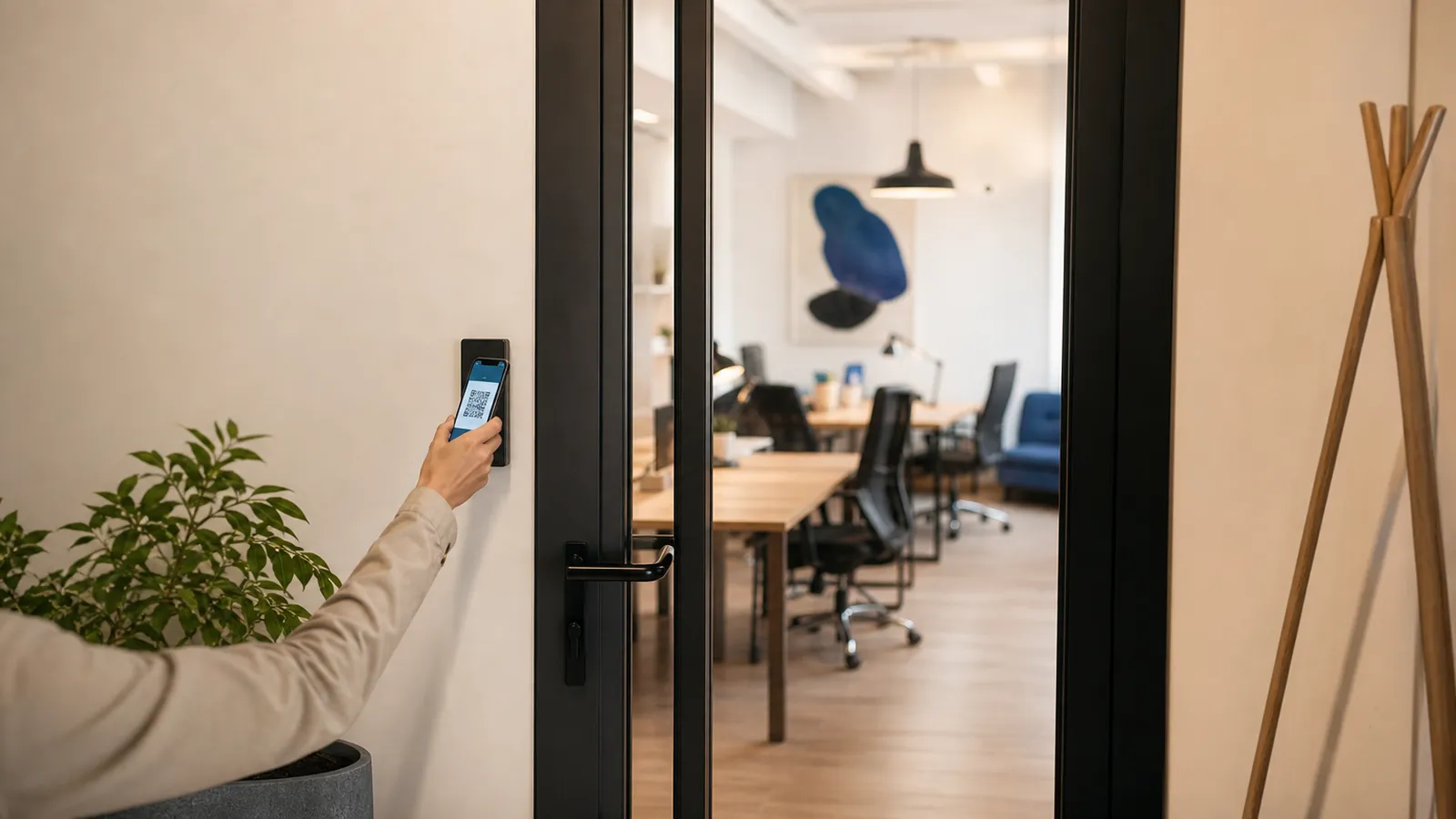
A coworking space sells time in a room. The door is the only place where that time gets enforced. If the door opens for everyone with a card, you are selling memberships, not hours. If it opens only for people whose booking is running right now, hourly desks become a real product.
This article covers what the door should check, the three ways small spaces usually set up access control, and the questions to ask before buying anything.
What the door should know
A coworking access controller needs three facts about the person at the door:
- Who they are — a card, a QR code from the member app or a one-time PIN.
- Whether they are allowed in right now — an active booking or a membership whose schedule covers this hour.
- Which door — the main entrance, a meeting room, a locker room. Most small spaces have one door; the model should still allow more.
People counting and face recognition are expensive and unreliable on a plain door. What works: a camera at the door that takes a snapshot on every opening and attaches it to the log event, plus a door contact that logs how long the door stayed open. If two people walked in on one pass, the owner sees the photo and blocks or messages the member from the log.
Three ways to run access control in a small space
1. A standalone keypad or card reader
Cheap, works offline, nothing to subscribe to. The downside: it has no idea about bookings. You hand out one code to everyone and change it when someone leaves. Fine for a private office, useless for hourly desks.
2. Coworking software plus a cloud lock
Spacebring, Nexudus, OfficeRnD and similar platforms do not make hardware. They integrate with cloud locks: Kisi, Salto KS, Brivo. The software knows the booking, the lock vendor's cloud opens the door. It works, but you pay twice — a software plan from about $177 a month and a lock plan on top — and the door depends on two clouds being up.
3. Software with its own controller
The booking system writes the pass directly into a controller on the door. One vendor, one bill, and the pass lives in the controller, so the door keeps working when the internet is down. This is how Entryspot is built: the door kit uses our N-GATE controller, and the booking engine sends it a start and an end time for every paid booking.
What "works offline" really means
Ask any vendor this question and listen for the details. "Offline" should mean:
- Passes for already-paid bookings and active memberships are stored in the controller, with their time windows.
- The controller keeps a log on the board and syncs it when the connection returns.
- Exit is always possible — by the exit button and by a fail-safe lock that releases without power.
What offline cannot mean: new bookings. A payment needs the cloud. Members who paid before the outage get in; new walk-ins wait until the connection is back, or you let them in manually.
Time windows, not permissions
The mental model that makes hourly coworking work: a pass is a time window on a door, not a permanent permission. A booking 14:00–17:00 is a pass 14:00–17:00. Membership "weekdays 8–20" is a pass with a repeating schedule. Guest invitation is a pass for one hour, once.
When the window ends, the next entry is declined and logged. The member is not locked inside — exit is free — and they got a reminder 15 minutes earlier with a button to extend if a seat is free. How Entryspot handles the edge cases.
Questions to ask before buying
- Does the door open when the internet is down? For whom?
- What happens when the power is off — does the lock release?
- Is there a log of every opening with the member and time? Can I export it?
- Can I block one member in seconds?
- Can a guest get in without a card or an account?
- How many bills will I pay: software, lock cloud, SMS?
If the answers line up, the door will enforce what you sell. If not, you will end up with a receptionist doing it by hand.