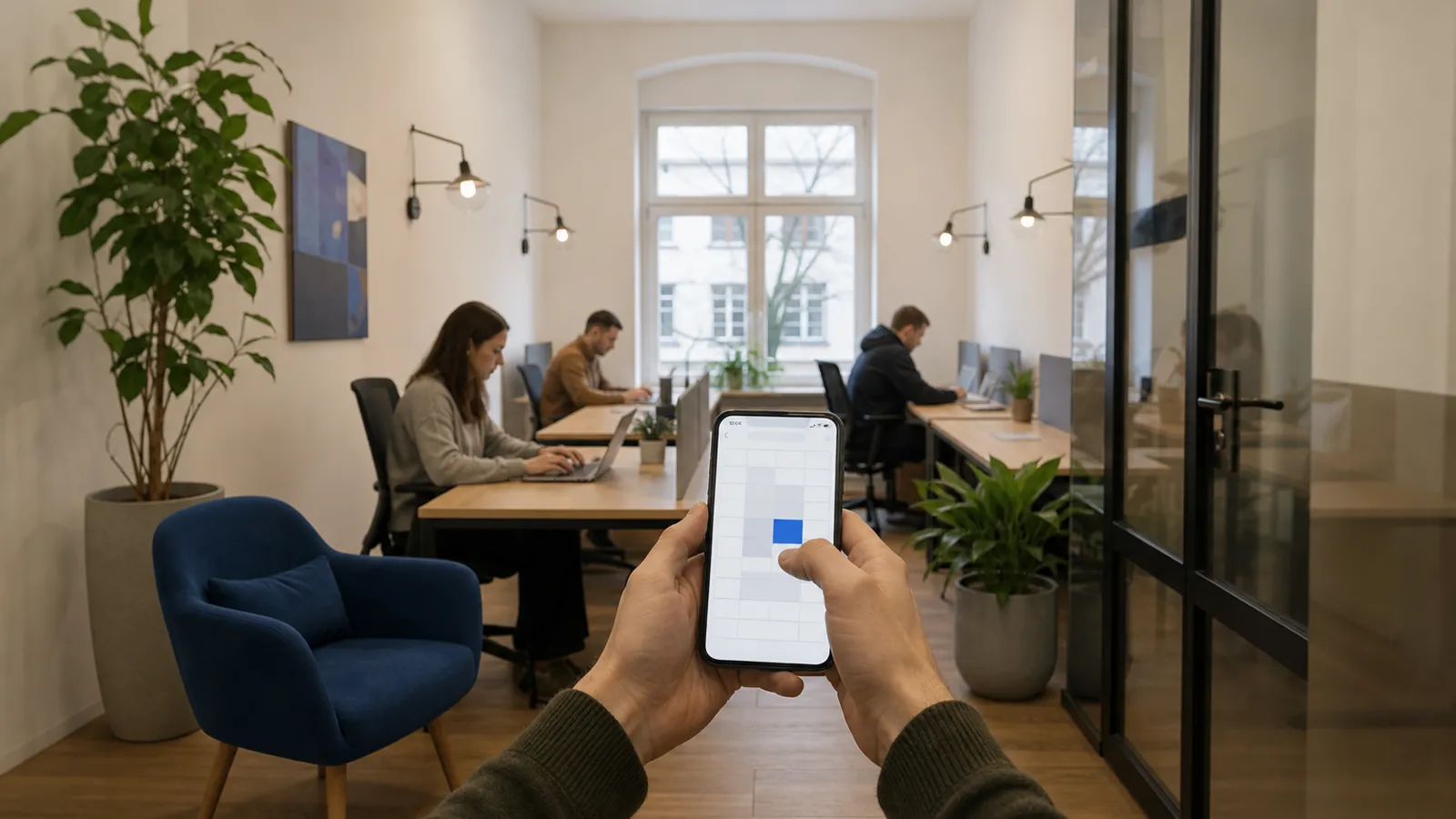
Monthly memberships are easy to run: a person pays, a person comes. Hourly desks are where small coworking spaces either make extra money or drown in admin. The difference is whether the rules live in software or in someone's head.
Here are the rules that matter and how we implemented them in Entryspot.
Sell seats, not tables
The first decision: does a booking reserve a specific table? For most small spaces the answer should be no. A booking reserves one seat for a time window; the member picks any free table on arrival. Fixed tables create empty "reserved" desks and arguments about who sat where.
What the system needs instead is capacity: the total number of seats. With 20 seats, the 21st concurrent booking is declined. Meeting rooms are the exception — a room is one resource with its own capacity of one booking at a time.
The booking flow, step by step
- Choose — date, start time, duration. Live availability is shown for that window.
- Pay — card online before the booking is confirmed. For a first visit, phone and e-mail are enough; no account.
- Get the pass — a QR code in the e-mail or in the member app, valid exactly for the paid window. The pass is also written to the door controller.
- Arrive — scan at the door, sit anywhere free.
- Extend — 15 minutes before the end a reminder arrives. One tap extends and pays if a seat is free.
Pricing rules that are worth having
- Hourly and daily rate. A day rate caps what a long sitter pays and makes the maths simple.
- Member and non-member price. Members on a plan get hourly desks at a discount or included.
- Minimum duration. One hour minimum keeps the calendar from filling with 15-minute holds.
- Free cancellation window. Two hours before start is common. After that the booking is paid.
- Opening hours and blackout dates. A 24/7 space still has cleaning hours.
Avoid dynamic pricing in a small space. It confuses members and the gain is small.
Extensions and overstays
The extension is where hourly booking is won or lost. If extending requires a message to the admin, people overstay silently. If it is one tap with a card on file, people pay.
When nobody extends and the time runs out, the door simply stops opening for that pass. Exit is always free. The event is logged; a repeat overstayer gets a message, then a block.
Companies and teams
A small space often has a company with five people on one invoice. The company holds the plan; the people hold the passes. Bookings made by any of them count against the company's allowance, and one invoice goes out at the end of the month.
What to measure
Three numbers tell you if hourly desks work:
- Hours sold per seat per week. Below 10 means the price or the marketing is off.
- Extension rate. The share of bookings that get extended. If it is near zero, the reminder is not reaching people.
- No-shows. Paid but never scanned at the door. High no-shows mean the cancellation window is too generous or too strict.
All three come from the same source: the booking log joined with the door log. That is the argument for one system that does both — see desk booking and pricing.